What is Omni ITM?
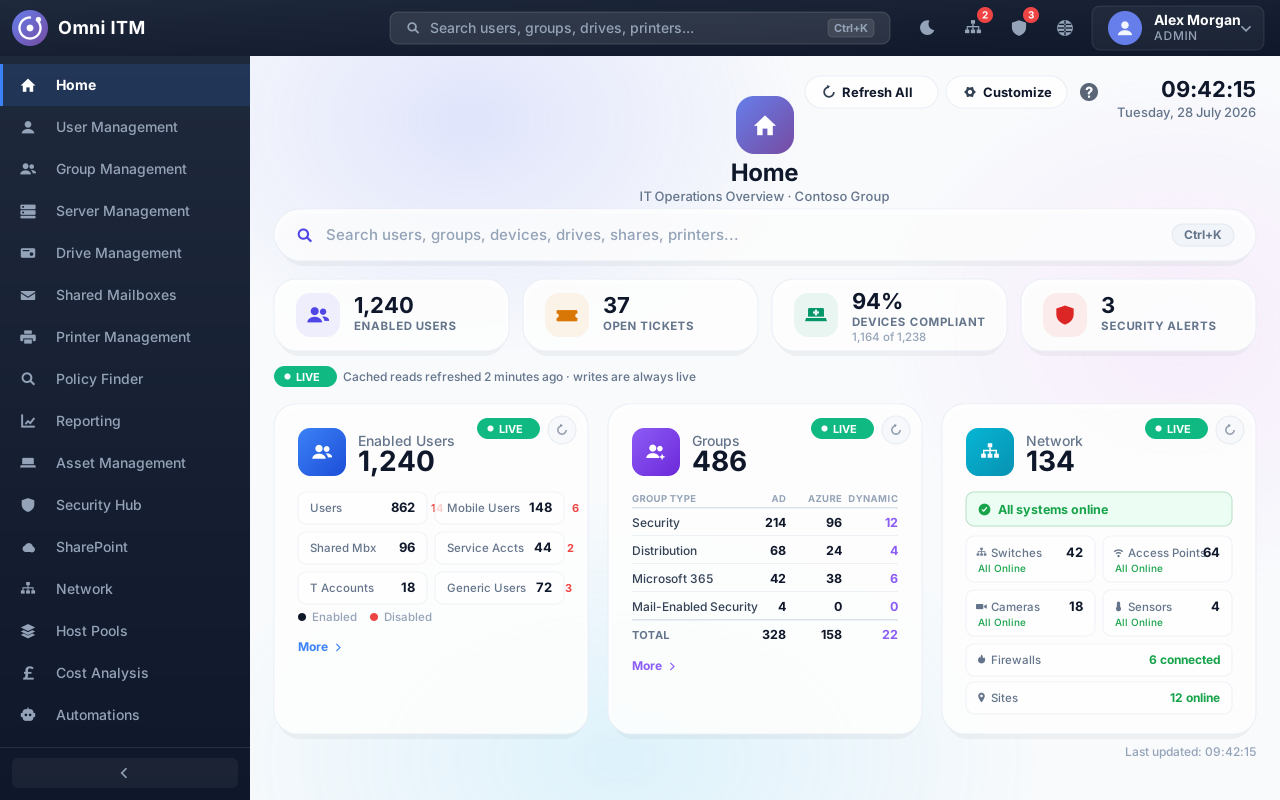
Omni ITM is a hybrid IT management platform from Flux-r Labs: one console for identities, devices, mailboxes, security and cost across on-premises Active Directory, Entra ID, Microsoft 365, Intune, Exchange Online, SharePoint and Azure. Sixteen areas sit behind it, each granted as its own permission. It suits IT teams whose estate is part on-premises and part cloud. It's in development, ahead of early access.
Can it manage on-premises Active Directory and Entra ID together?
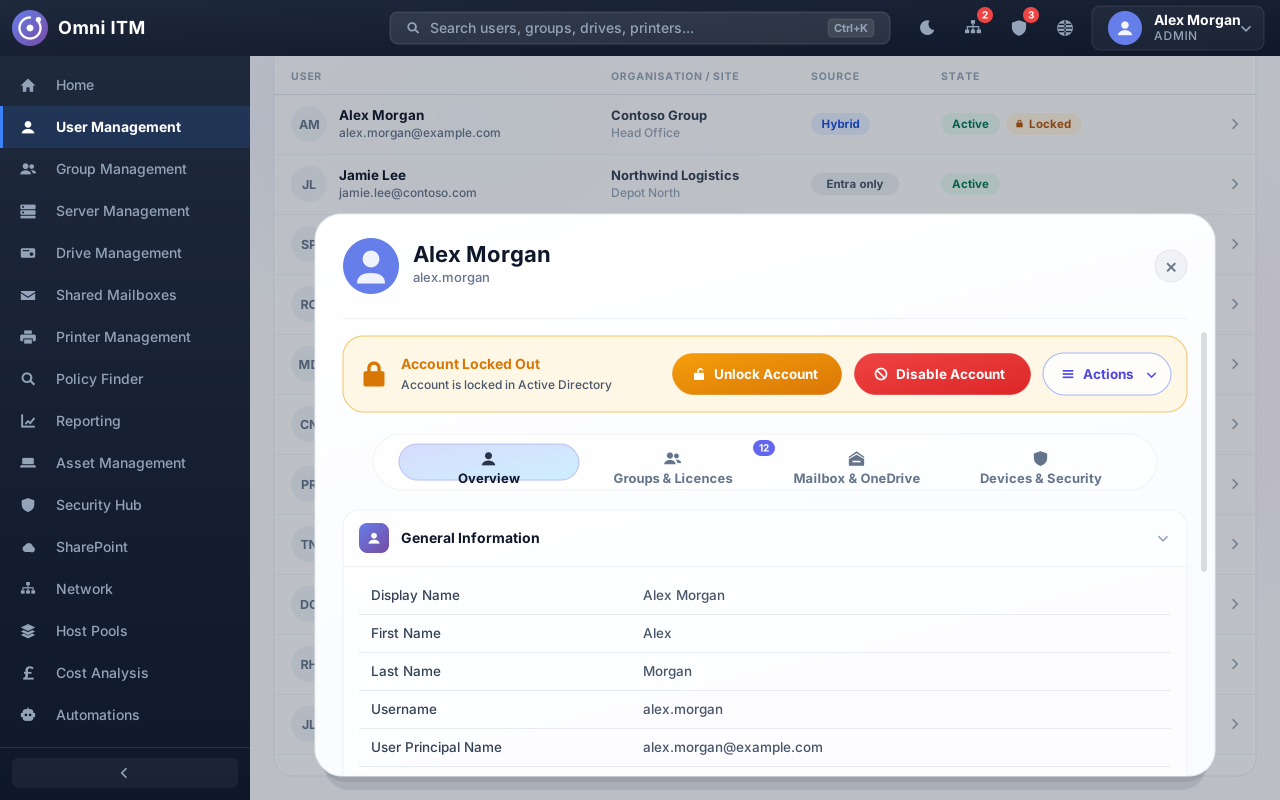
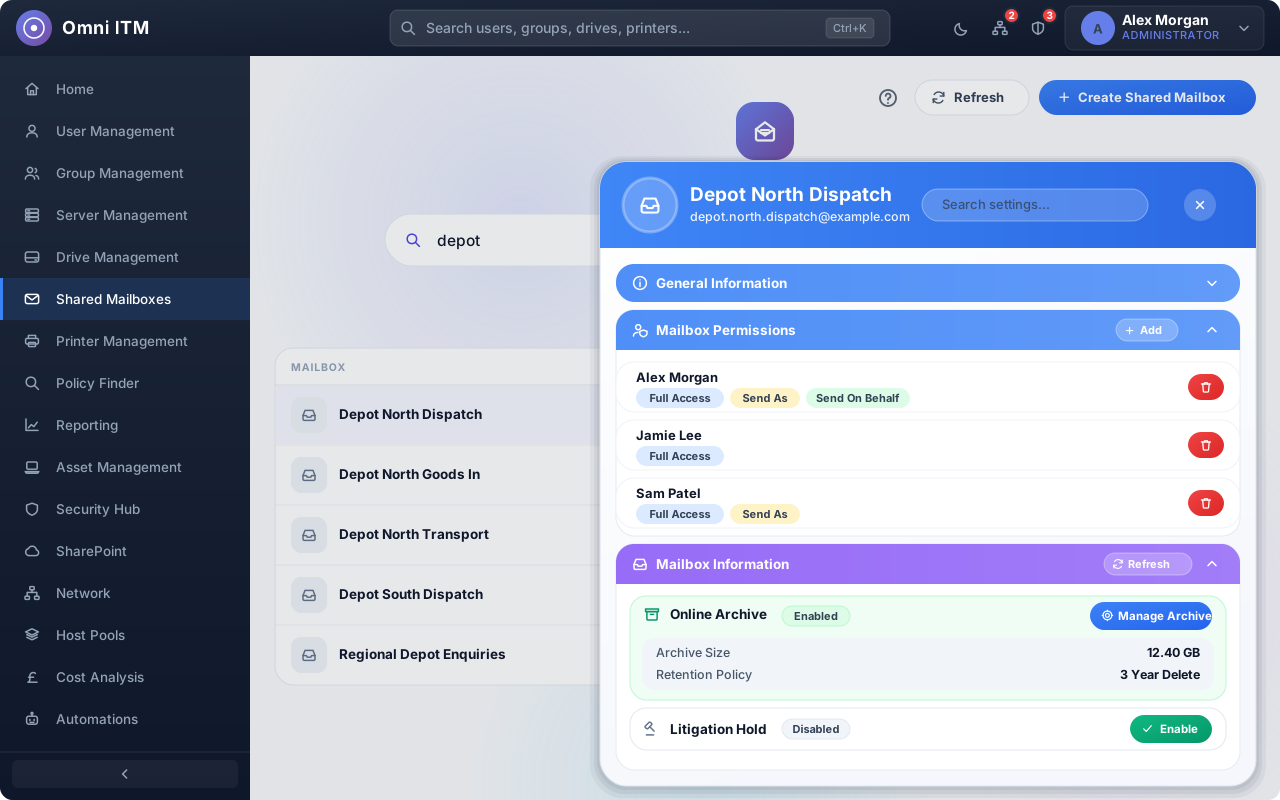
Yes, that's the point of it. One search box covers the directory, and opening a person brings their on-premises account together with their Entra ID detail, mailbox, Intune devices and licences in a single profile. Groups work the same way: security, distribution and Microsoft 365 groups, on-premises or cloud, static or rule-based, from one place.
Does it replace the Entra admin center, Intune and the Exchange admin center?
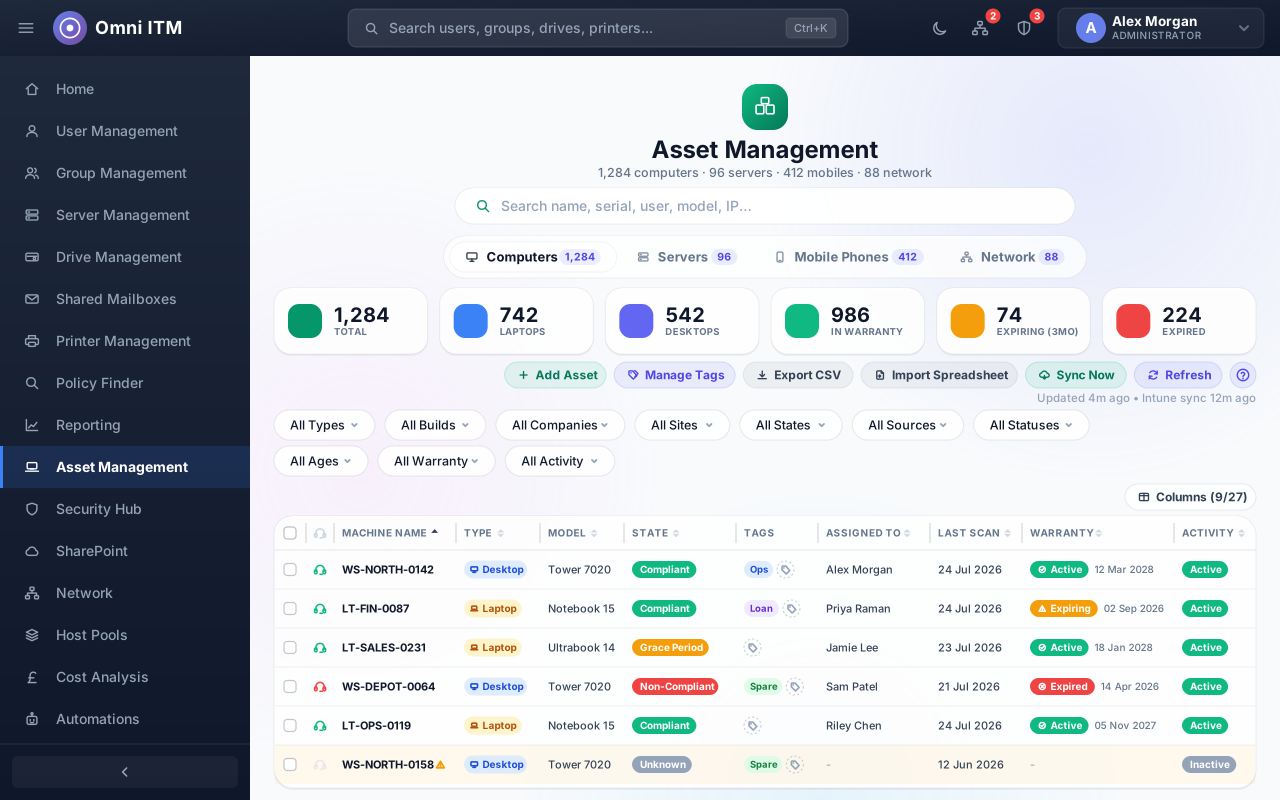
For everyday work, largely yes. User and group management, licences, MFA, mailboxes and delegation, device compliance, updates and policy lookups all happen in Omni ITM instead of hopping between those consoles. It doesn't cover every corner of them. Tenant-wide configuration still belongs in Microsoft's own portals, and the security views deep-link straight to the record when you need to go there.
How do you stop someone on the service desk breaking something?
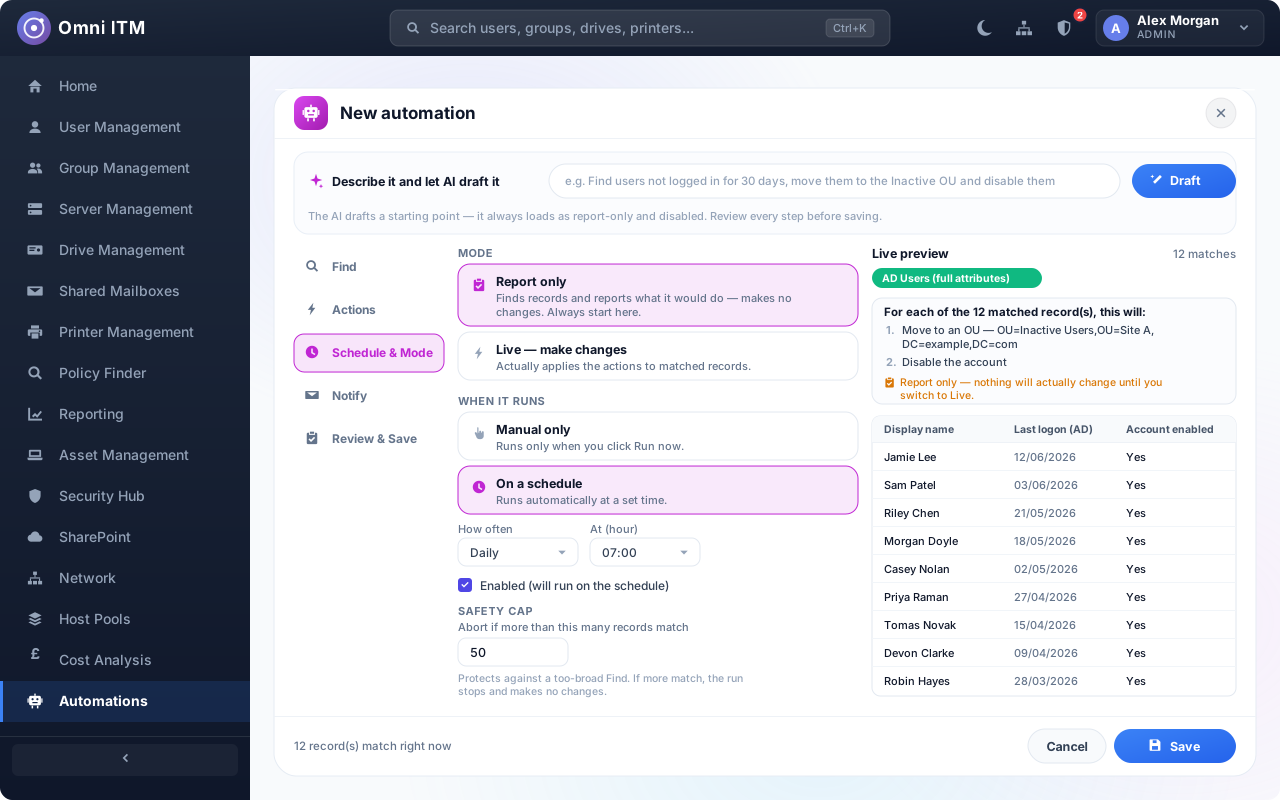
Mostly by scoping what they can reach: each area is a separate permission, so a technician gets what they need and not much else. Automations can't run live until a report-only run has shown what they'd do, and a record cap aborts the run before any change if it matched more than you expected. The audit trail records who changed what.
Is every action logged?
Every change is, yes. Sign-ins and reads are logged too, apart from the background status polling, which is deliberately left out. Each entry has the person, the action, the path and the address it came from, and you can filter by action, person or date range and export to CSV. Request bodies are never written. Entries are kept for a year.
Does it use AI to make changes on its own?
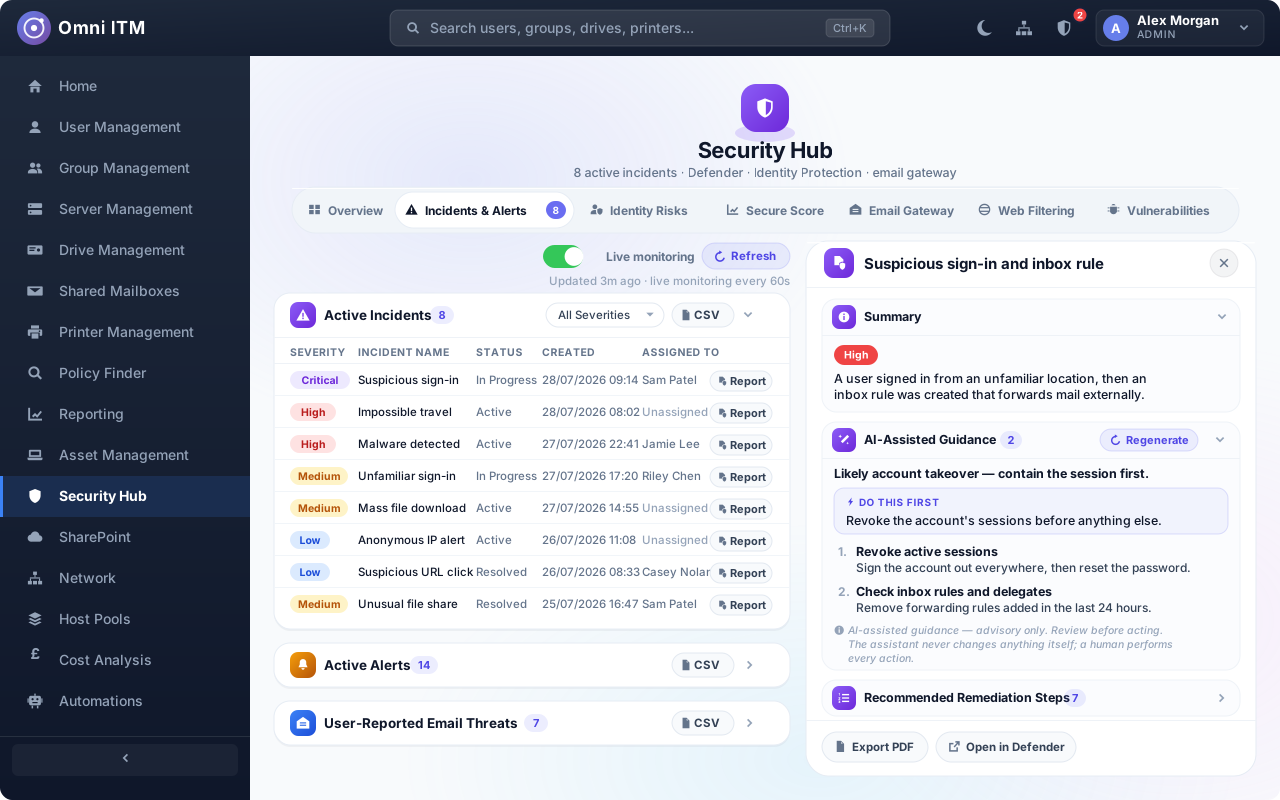
No. The assistant can only return text or a draft. It's given no tools to call, so there's no route from a suggestion to a change. It's used in five places: incident guidance, vulnerability summaries, and drafting reports, automations and group membership rules. It suggests the steps. You decide, and you carry them out. An automation it drafts arrives report-only and switched off.
How does it reach on-premises servers and devices?
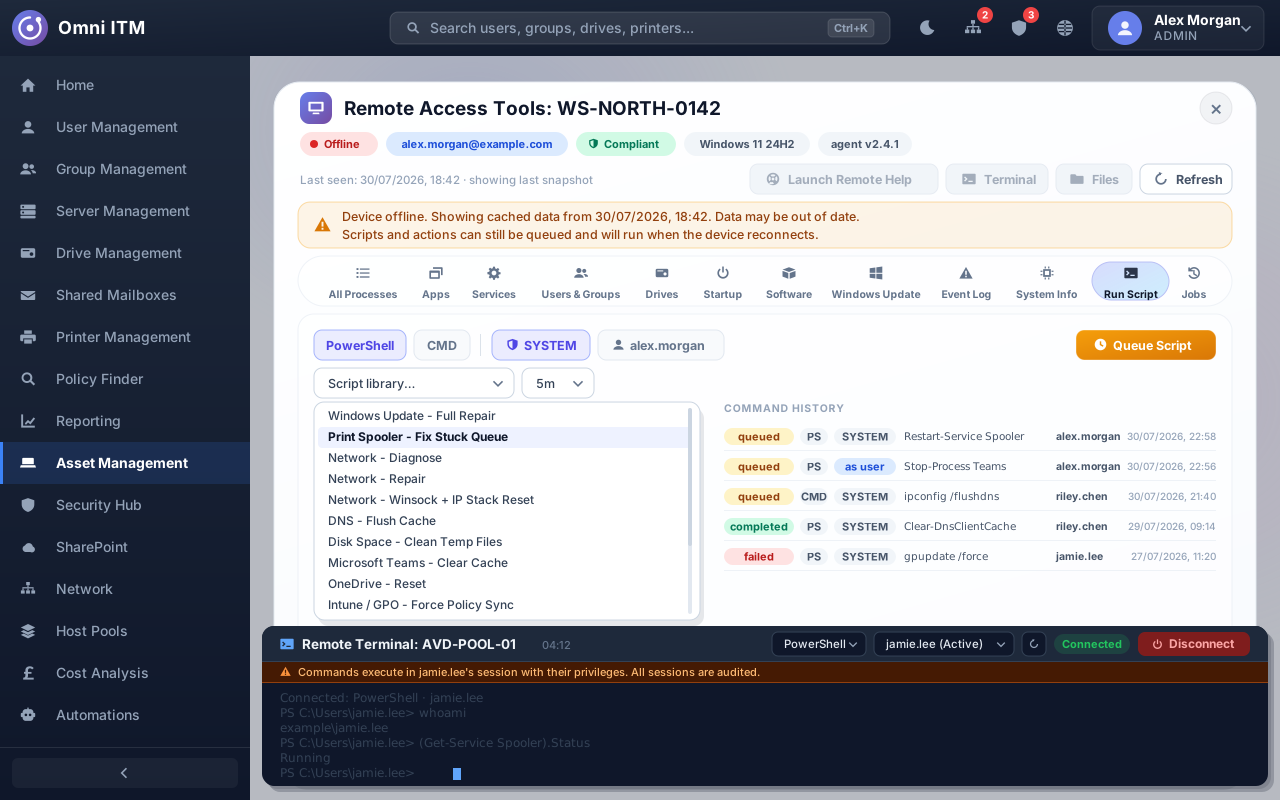
Through two components you install yourself. A connector service runs inside your network and handles on-premises work: directory writes, file servers, printers and Exchange commands. Nothing on-premises has to be reachable from the internet. A lightweight Windows service agent sits on endpoints and servers for the remote toolbox, and queues jobs for machines that are switched off until they reconnect.
Which Microsoft services does it cover?
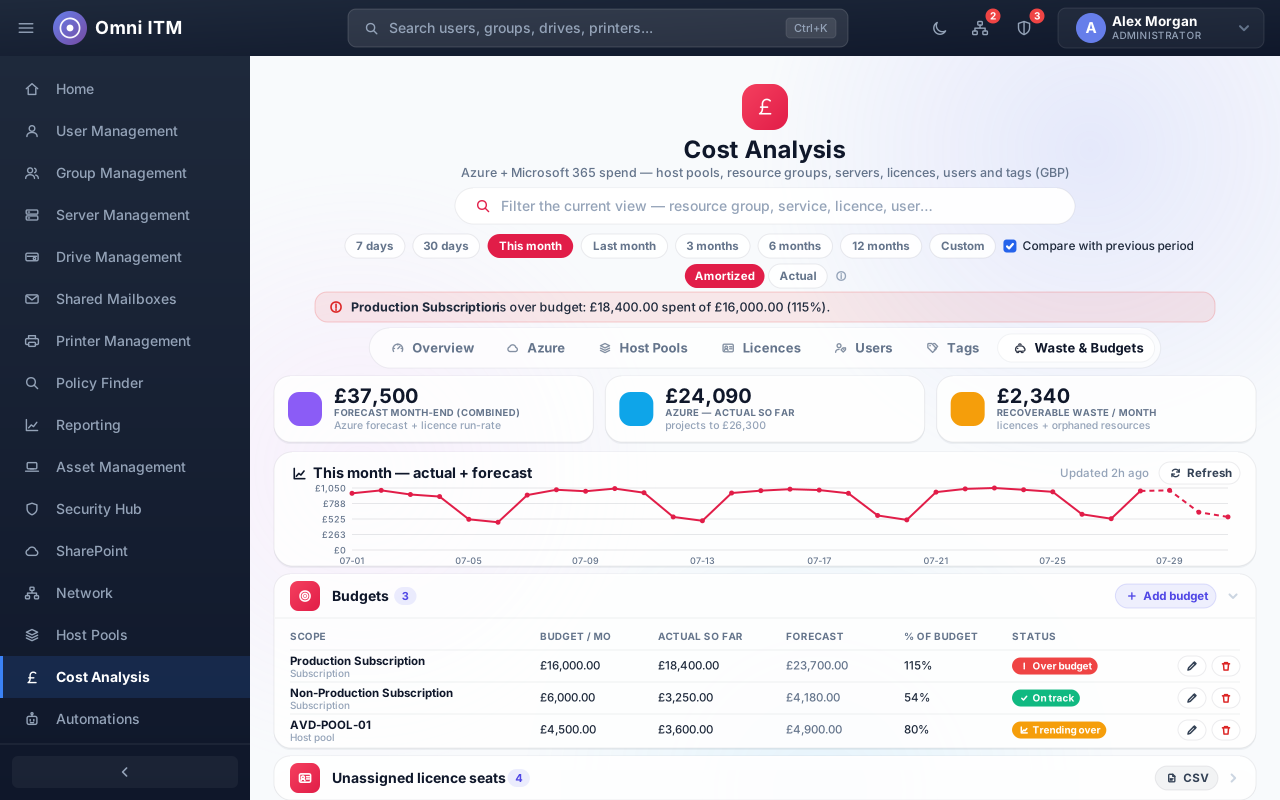
On-premises Active Directory, Entra ID, Microsoft 365, Intune, Exchange Online, SharePoint and Azure. In practice that means accounts and groups in both directories, licences and MFA, mailboxes and delegation, device compliance and updates, SharePoint permissions, and Azure spend, host pools and Log Analytics reporting. Microsoft Defender and Entra ID Protection feed the security views.
Can I give a technician access to just one area?
Yes. Each of the sixteen areas is a separate permission, so you can grant one and leave the rest. A couple of surfaces are granted on top of that rather than inside it: the remote toolbox and Advanced Reporting have their own permissions. Administration stays admin-only, along with a small number of high-blast-radius settings inside areas that are otherwise grantable.
When can we get it, and what will it cost?
Neither is settled yet, and we'd rather say so than invent a date. Omni ITM is in development and heading for early access. There's no published price and no tier structure to quote. Register your interest and you'll get one email when early access opens, with the commercial detail at that point. That's the only thing we'll send you.
Can I use Omni ITM on a phone?
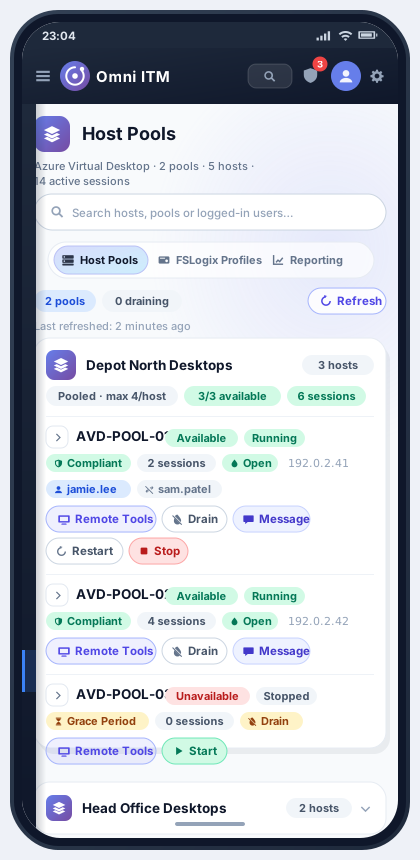
Yes. It installs from the browser as a progressive web app, so it sits on your home screen and opens without browser chrome. The layout has breakpoints at 900, 720, 640 and 480 pixels, and the navigation collapses into a slide-in drawer. That matters most for an engineer on site, or on call out of hours, working from a phone.
What can I do remotely on a Windows PC or a mobile device?
On Windows: a live terminal that runs as SYSTEM, as the signed-in user, or against a named session on a multi-session host. Also a file browser, services, processes, event log, installed software, Windows Update actions and fourteen tested scripts. Attended assistance launches Microsoft Remote Help. On Android, the agent does attended screen view and control with the user's consent.